New Feature Announcement: Master Your Email Delivery with the Mail Delivery Center

Website Preview - How do I preview my websites before updating the DNS?

Our 'Website Preview' option is currently only available for cPanel

We've partnered up with the team at SkipDNS.link to bring you completely free access to their amazing tool used to preview your site hosted with us.

Essentially, this allows you to view your websites before changing your DNS settings! 

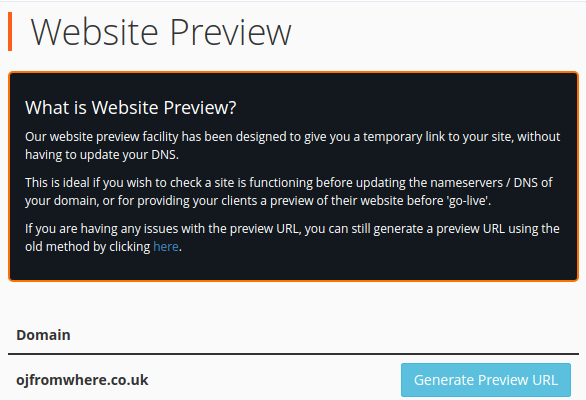
Getting started is super simple, we've created a plugin located in the Domains section in cPanel called Website Preview


This screen lists all of your Domains, Addon Domains, and SubDomains. Clicking on the Generate Preview URL will generate a short unique link. 

The link will expire after 7 days, however, you can generate a new one after this time.

Following the link will take you to a Terms and Conditions page provided by SkipDNS. 
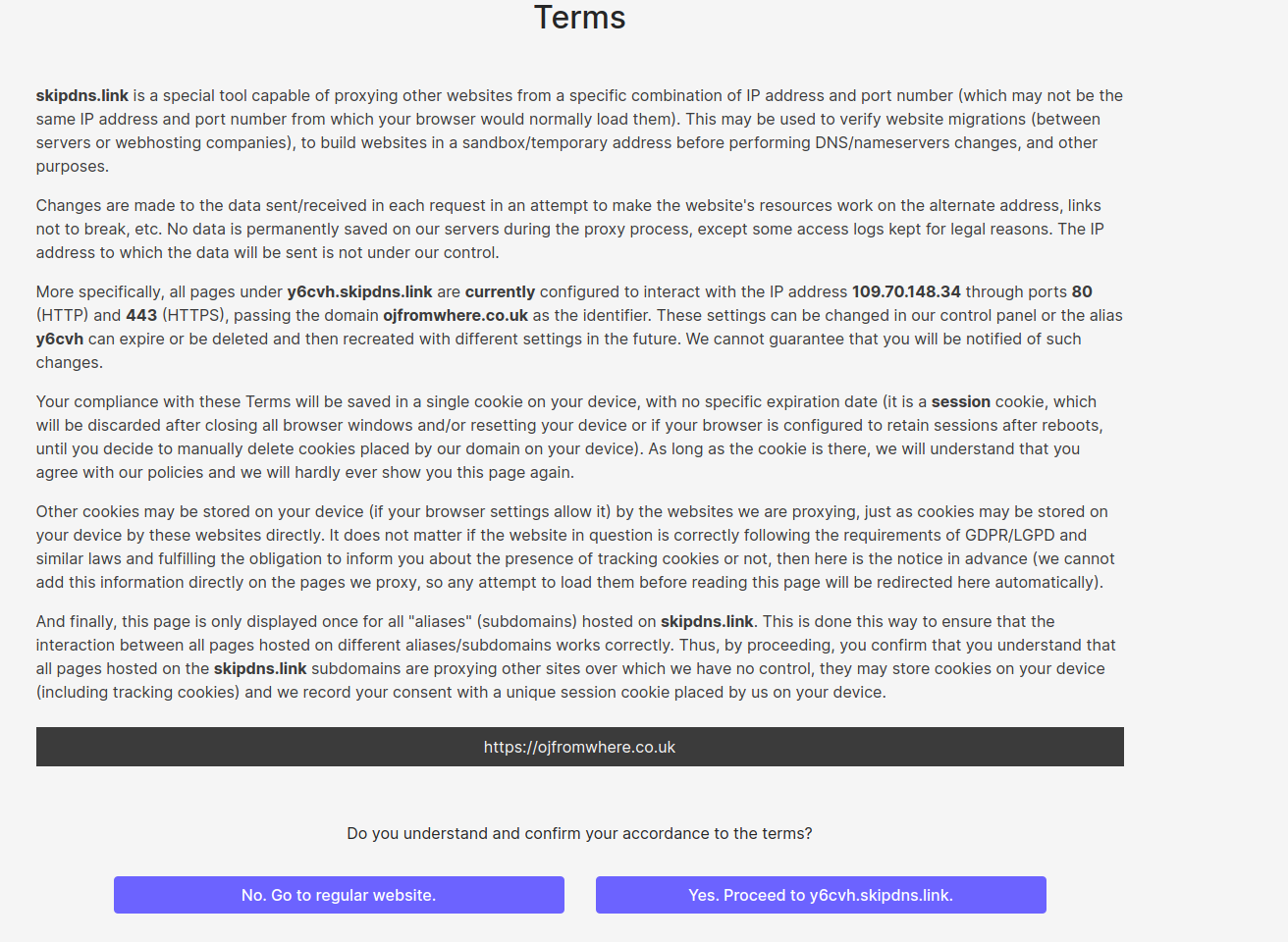

Feel free to read through this and accept the terms and conditions, this will redirect you to view the site.

  • 431 Users Found This Useful
Was this answer helpful?

Related Articles

 Connect to your server via SSH

SSH allows secure file transfer and remote logins over the internet. Your connection via SSH is...

 How to force your site to use SSL (HTTPS) using

First of all, you will need to install an SSL certificate to your siteOnce your certificate is...

 How do I change PHP versions, or change my PHP settings / config?

The process of setting your PHP version and the 'variables' (such as memory_limit values) differs...

 How do I install a free SSL via cPanel?

Installing an SSL certificate in cPanel is easy! Best of all, it's free with WebGee!Important:...

 How to send emails in WordPress using the WP SMTP Mail plugin

Instead of using the default PHP mail() function, you can send emails using our SMTP services via...

Powered by WHMCompleteSolution