

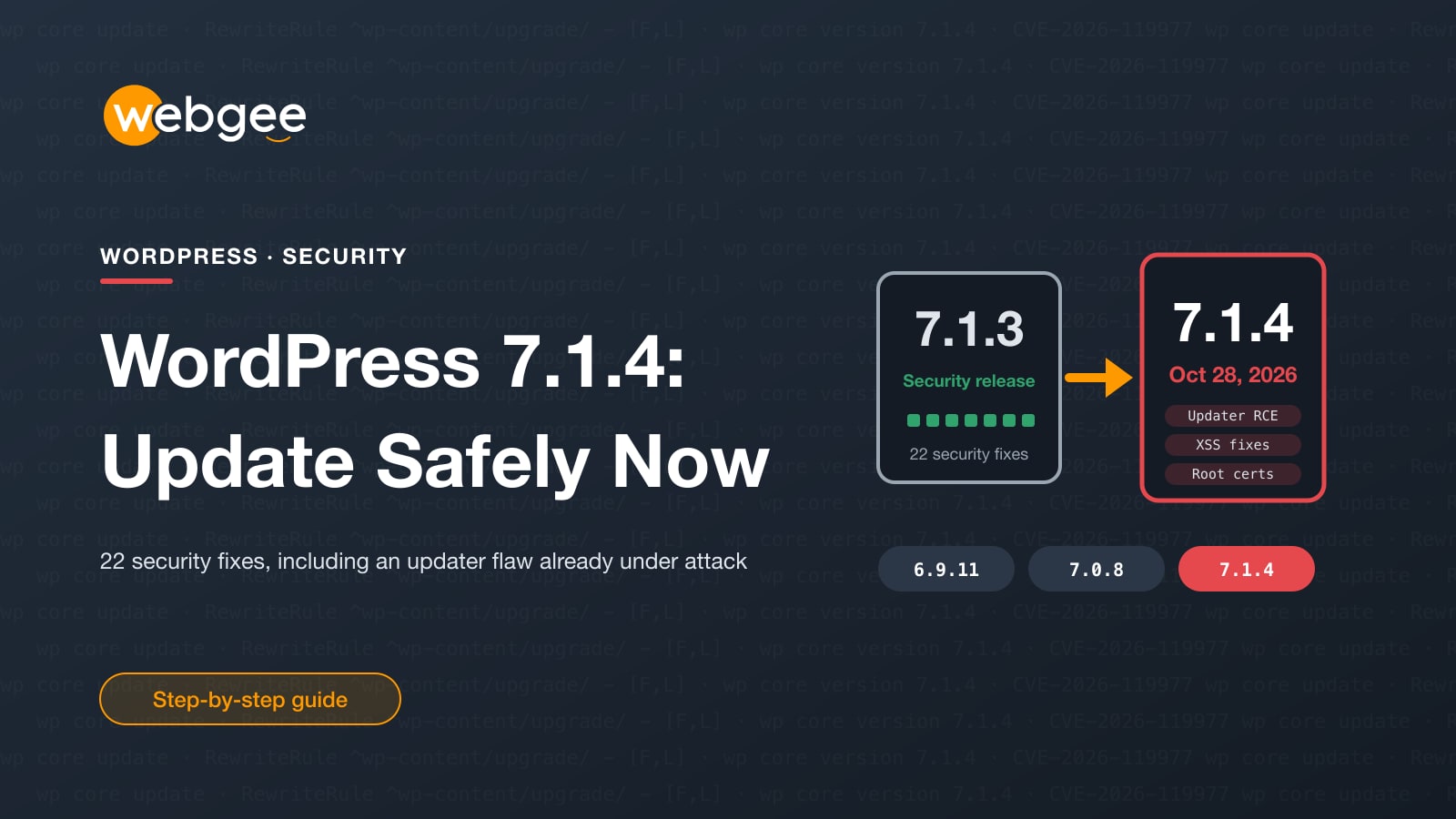
WordPress released 7.1.4 on October 28, 2026, with fixes for 22 security issues. One of them is unusual: it doesn't live in a plugin or a theme, but in the WordPress updater itself, and it can be used without an account on your site.
Attackers moved fast. Wordfence put out a firewall rule the evening the release went out and saw the first attack attempt nine minutes later. Over the next few days it was blocking tens of thousands of attempts every 24 hours. This guide explains what the flaw is, which versions fix it, and how to update without leaving the door open while you do.
Key takeaways
- WordPress 7.1.4 (October 28, 2026) fixes 22 security issues. Every site should be on it, or on the fixed release of its branch.
- The headline flaw, CVE-2026-119977, lets an attacker without an account run code during a core update. Wordfence rates it 8.1 (High).
- Attackers began probing within nine minutes of the first firewall rule, with tens of thousands of attempts a day since.
- Block web access to wp-content/upgrade/ before you update, then update and check for signs of a break-in.
- WordPress 4.6 and older get no fix at all. Those sites need a full upgrade.
Short version Add the one-line rule below to block web access to wp-content/upgrade/, then update to 7.1.4 (or your branch's fixed release), then check for unknown admin users. If your site is on WordPress 4.6 or older, there is no fix: it needs a full upgrade.
What the updater flaw is
The flaw is tracked as CVE-2026-119977. Wordfence rates it 8.1 out of 10 (High). WordPress itself rates it lower, because it is hard to pull off, but "hard" is not the same as "safe" when bots can try thousands of times a day.
When WordPress installs a full core update, it first unpacks the new files into a folder under wp-content/upgrade/. On affected versions, that folder had a predictable name and, on many servers, could be reached from the web. For a few seconds, the copy of the WordPress installer inside it could be opened by anyone and pointed at a database the attacker controls, which lets them run code on your server.
Four things have to line up: a full-package update must be running, the folder must be reachable over the web, the attacker must find its path, and they must win the race before WordPress cleans up. Bots handle the last three by polling sites over and over, which is why the attempt numbers are so high.
7.1.4 closes it by adding 16 random characters to the staging folder's name, keeping an index.php guard in the upgrade folder, and refusing to copy configuration from the staging copy. The other 21 fixes cover cross-site scripting, Interactivity API issues, information disclosure to visitors who aren't logged in, permission checks, and an update to the bundled root certificates.
Which versions are fixed
The fix was backported to every branch that still receives security releases. Update to at least:
- 7.1.4 on the 7.1 branch, or 7.0.8 on 7.0;
- 6.9.11, 6.8.12, 6.7.11, 6.6.11, 6.5.14 or 6.4.14 on the 6.x branches;
- the matching fixed release on older 6.x, 5.x and 4.7–4.9 branches, down to 4.7.39.
WordPress 4.6 and older receive no fix. Backports also only cover security issues, so the best target for any site is the latest version, 7.1.4.
Step 1: block the upgrade folder first
The vulnerable moment is the update itself, so close the window before you update. Add this rule to the .htaccess file in your site's root folder (in cPanel, File Manager › public_html, with hidden files shown), above the # BEGIN WordPress block:
# Block web access to WordPress update staging files (CVE-2026-119977)
<IfModule mod_rewrite.c>
RewriteEngine On
RewriteRule ^wp-content/upgrade/ - [F,L]
</IfModule>
Put it in the root .htaccess, not inside the upgrade folder: WordPress empties that folder before every update. The rule doesn't affect updates, because WordPress reads those files on the server, not through the web. It works on WebGee's LiteSpeed servers, and on any Apache-compatible server.
Step 2: update
Take a fresh backup first. On WebGee cPanel hosting, JetBackup can create one on demand in a few clicks. Then update from Dashboard › Updates › Update to version 7.1.4, or over SSH:
# Check the current version
wp core version

# Update core, then the database if asked
wp core update
wp core update-db

# Confirm
wp core version
Sites with automatic background updates should already be on 7.1.4, but check anyway. Automatic updates fail quietly more often than people think, for example after a file permission change or a full disk.
Step 3: check nobody got in
No confirmed compromises had been reported at the time of writing, and there are no published lists of attacker IP addresses or files. Look for behaviour instead:
After updating, check for
- Administrator accounts you don't recognise (Users › All Users, filtered by Administrator)
- Plugins you didn't install, including ones named after your own domain
- Unexpected PHP files under wp-content/upgrade/ or wp-content/uploads/
- Requests to setup-config.php or other PHP files under wp-content/upgrade/ in your access logs
- Changes to wp-config.php or .htaccess around the time core updates ran
On WebGee cPanel hosting, you can also run a malware scan from cPanel, and cPGuard's CMS Threats report shows every WordPress installation in the account with its core version, so a forgotten copy still on an old release stands out. If you find something, follow our malware clean-up steps or open a ticket.
Don't forget the copies Old installs in folders like /old, /test or /staging get the same attacks as your main site, and they're usually the ones nobody updates. Update them or delete them.
Four security releases since September
7.1.4 follows 7.1.1, 7.1.2 and 7.1.3 in under six weeks, and WordPress 7.2 arrives on December 8. Keeping up with that alone is a real job. On WebGee WordPress hosting you get backups, server-level security scanning, a staging environment from the Turbo plan up, and engineers on live chat 24/7 who deal with WordPress updates every day.
Frequently asked questions
Which versions fix CVE-2026-119977?
WordPress 7.1.4, plus fixed releases for older branches, including 7.0.8, 6.9.11, 6.8.12 and back to 4.7.39. WordPress 4.6 and older get no fix.
My site updates automatically. Do I need to do anything?
Check that the update actually ran: Dashboard › Updates or wp core version should show 7.1.4 or your branch's fixed release. Automatic updates can fail silently, for example on file permission problems.
Can someone exploit this when no update is running?
No. The flaw only exists during the few seconds a full core update is unpacking files under wp-content/upgrade/. That is why blocking that folder before updating closes it.
Has anyone been hacked through it?
At the time of writing, no confirmed compromises had been reported, only large numbers of blocked attempts. That can change quickly, so don't wait.
Will blocking wp-content/upgrade/ break updates?
No. WordPress reads and writes that folder on the server itself; the rule only stops browsers and bots from requesting files in it.
